
Download Aimlabs – Aim Training Fundamentals, Game-Specific Exercises, Adaptive Tasks, AI Coach
Overview
Aimlabs is a mobile application designed to enhance aiming precision and reaction speed for players of first-person shooter (FPS) games. With over 40 million users, it has established itself as a leading platform in the competitive gaming ecosystem. The app addresses the core challenge of mastering split-second targeting, flicking, tracking, and weapon switching—skills that are essential for success in fast-paced multiplayer environments.
It caters primarily to mobile and PC gamers who seek structured, measurable improvement in their aiming mechanics. While the developer has not provided additional background on the team or company structure, the app’s widespread adoption suggests a strong foundation in game training technology. Real-world use cases include competitive esports preparation, casual players aiming to improve their in-game performance, and content creators who require consistent, high-accuracy aiming for streaming and video production.
In the broader app ecosystem, Aimlabs fills a niche by offering a dedicated, data-driven training environment that goes beyond basic reflex games. Its focus on personalized feedback and adaptive learning makes it a valuable tool for players at all skill levels, reinforcing the growing demand for performance-enhancing utilities in gaming.
Key Features & Functionality
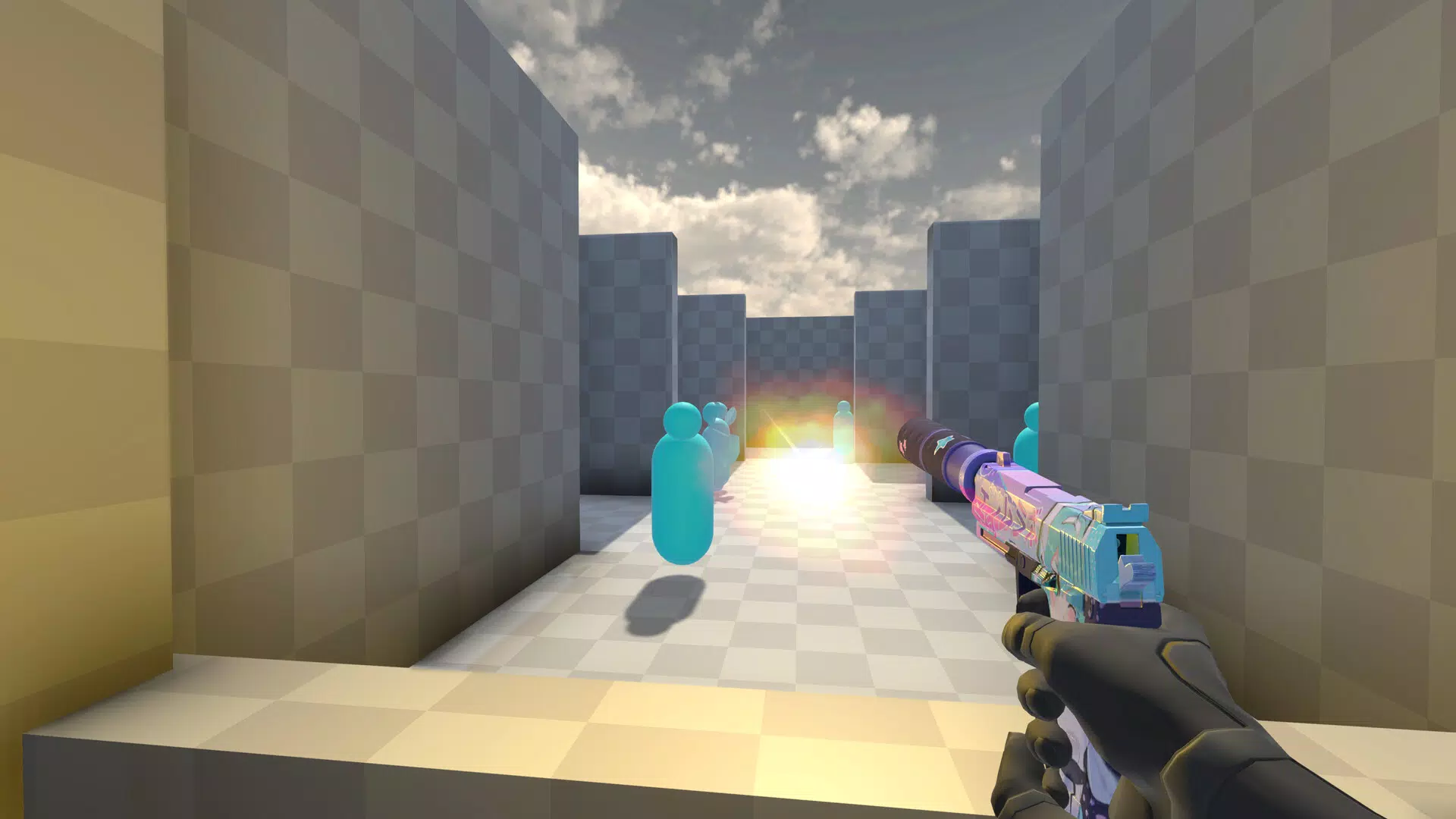
- Aim Training Fundamentals: The app delivers structured exercises focused on flicking, tracking, and weapon switching—core mechanics essential for FPS gameplay. These drills help users develop muscle memory and improve reaction accuracy under pressure.
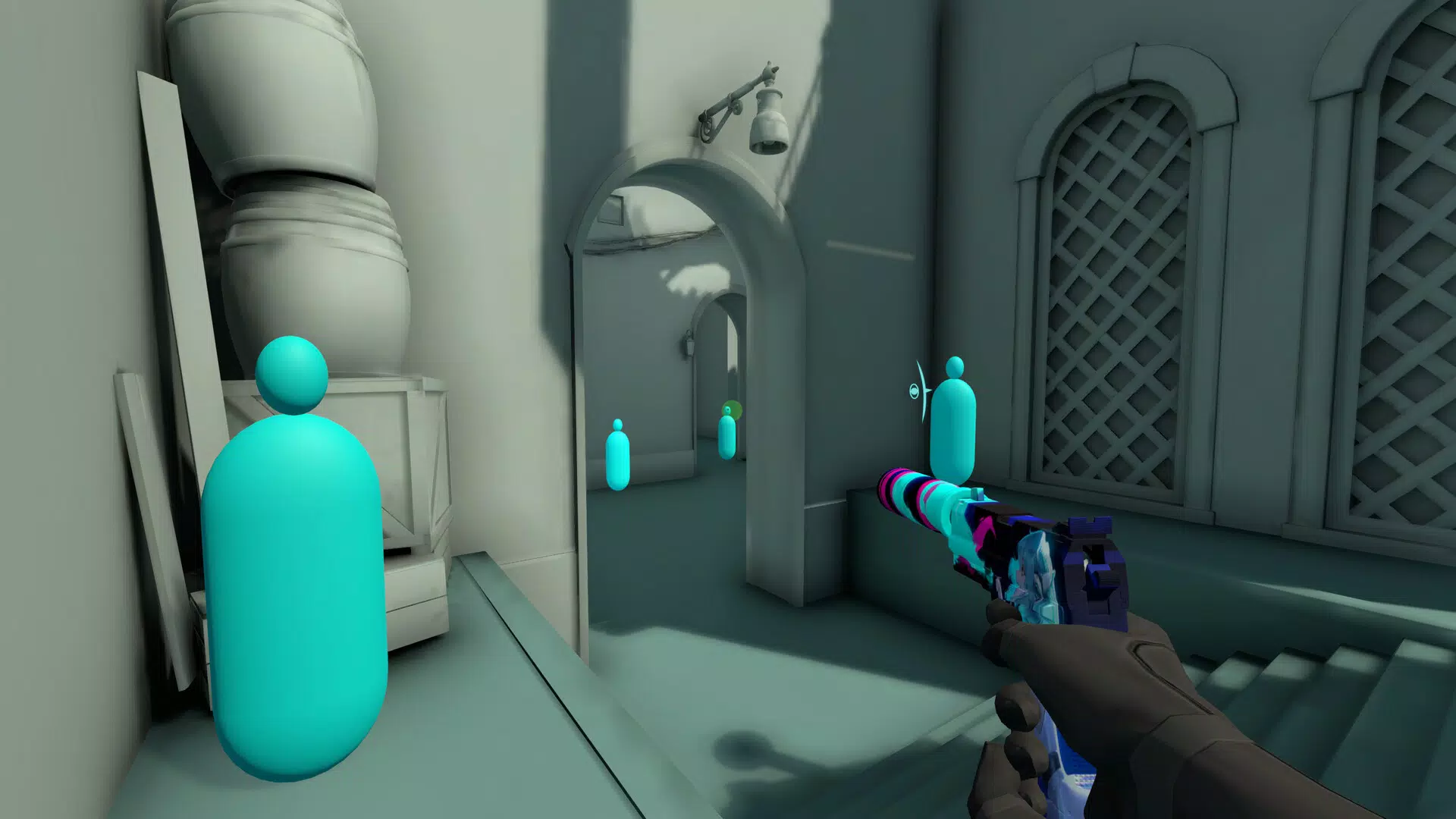
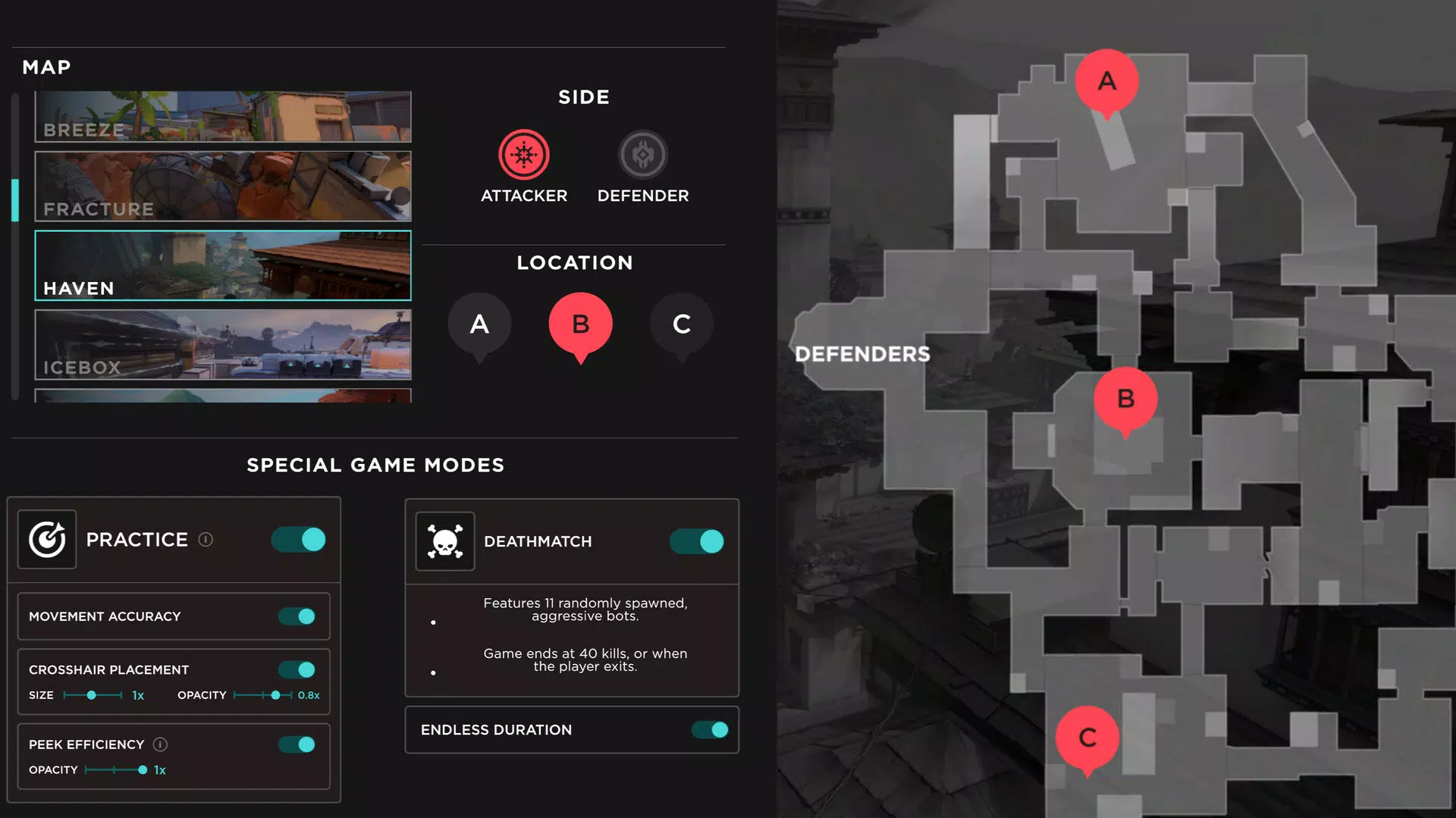
- Game-Specific Training: Players can access curated playlists tailored to popular FPS titles. This allows for context-specific skill development, ensuring that training directly translates to real in-game scenarios.
- Adaptive Tasks: The platform adjusts difficulty dynamically based on user performance. This ensures that challenges remain engaging and effective, preventing stagnation while avoiding frustration.
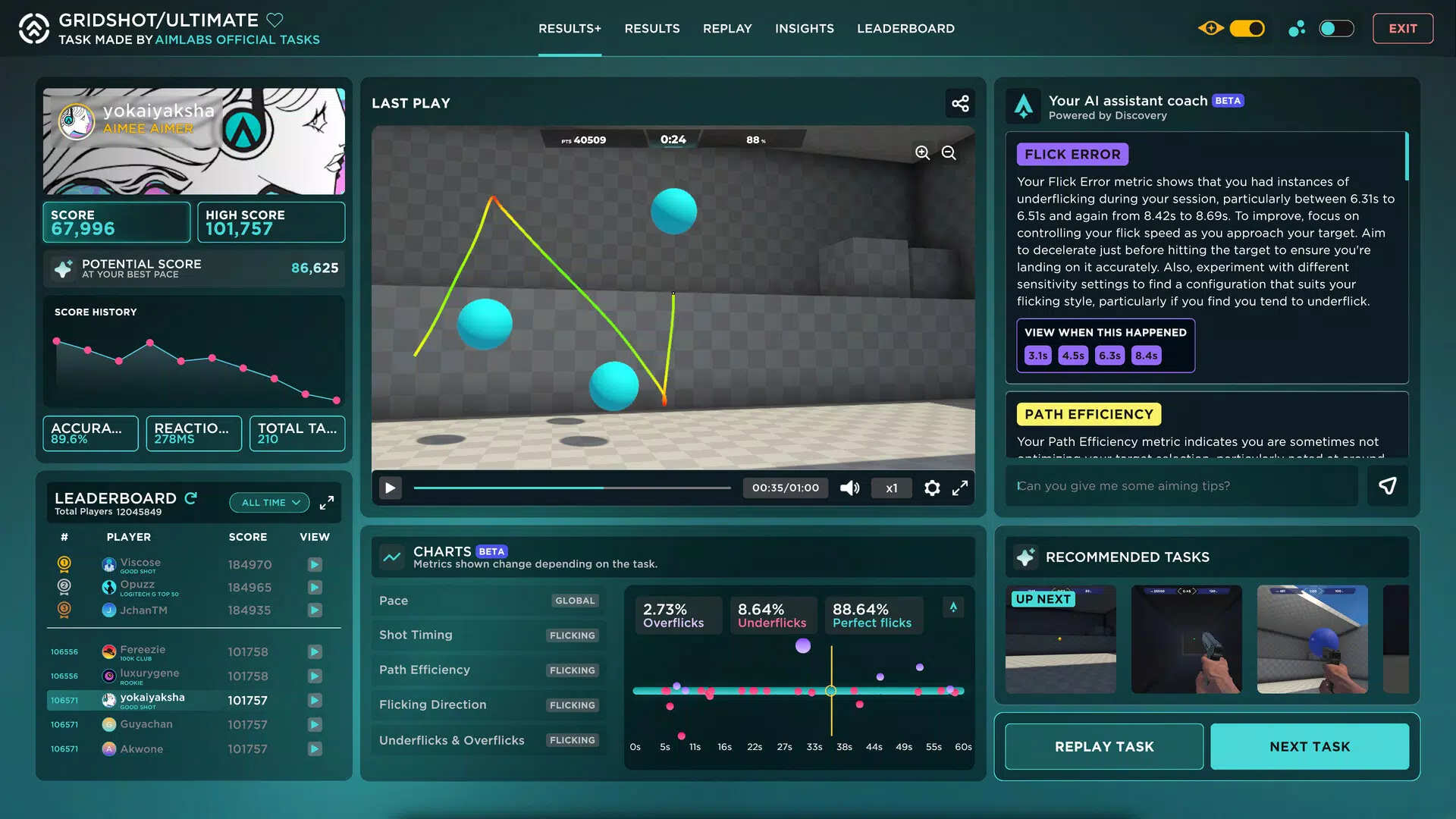
- Discovery AI Coach: An intelligent system analyzes user data to deliver personalized feedback. It identifies weaknesses and suggests targeted improvements, acting as a virtual mentor for continuous growth.
- Continuous Updates: The app regularly introduces new training tasks, features, and content. This ongoing evolution keeps the experience fresh and ensures long-term relevance across multiple gaming platforms.
For example, a player preparing for a competitive match in a game like Valorant can use game-specific playlists to simulate real match conditions. The AI coach might flag inconsistent flick accuracy during quick target acquisition, prompting focused drills. Over time, users can track their progress through measurable metrics, making the training process both objective and actionable.
Interface, UX & Performance
The interface of Aimlabs is designed with clarity and functionality in mind. Users are presented with a clean, intuitive layout that prioritizes access to training modules, progress tracking, and performance analytics. Navigation is streamlined, allowing players to quickly select exercises, review stats, and access the AI coach.
Visual design emphasizes readability, with minimal distractions and clear feedback indicators during drills. The app maintains responsive interactions across various screen sizes and device categories, although specific performance metrics were not disclosed. While the developer did not list formal performance benchmarks, the consistent access to real-time feedback and adaptive tasks suggests stable backend operations.
Stability appears to be a priority, as the app supports continuous updates without disrupting user progress. The user experience is optimized for short, focused training sessions, aligning with mobile gaming habits. Although the developer did not specify minimum OS requirements or compatibility details, the app’s design indicates broad accessibility across modern smartphones.
Overall, the UX is well-suited for both novice and experienced users seeking efficient, goal-oriented training.
Platform Compatibility & Technical Requirements
Aimlabs is available on Android and iOS platforms, supporting modern mobile operating systems. The app has a file size of 85.2 MB, which is relatively compact for a feature-rich training application. The software version is 2.11.1, indicating a mature and actively maintained release.
The app was released on June 16, 2023, reflecting a recent entry into the mobile training space. Specific device requirements, such as minimum RAM, processor specifications, or OS version, were not listed by the developer. Compatibility information was not fully disclosed, and no mention was made of support for tablets or other form factors.
Users should ensure their device meets standard mobile app requirements to run the application smoothly. The developer did not provide additional technical details, such as cloud sync capabilities or offline functionality. Despite this, the app’s lightweight size and consistent performance suggest efficient resource management.
Pros and Cons
Pros
- Comprehensive training modules focused on core FPS aiming skills
- Personalized AI coach provides real-time, data-driven feedback
- Game-specific playlists ensure relevant, practical skill development
- Adaptive difficulty maintains engagement and promotes steady progress
- Regular updates keep content fresh and training methods current
Cons
- Developer did not provide detailed technical specifications or device requirements
- Compatibility with older devices or non-standard OS versions was not confirmed
- Specific details about cloud synchronization or offline use were not disclosed
- Performance on low-end devices remains unverified
- Advanced analytics or exportable data formats were not mentioned
FAQ
Is Aimlabs safe to download and use?
Yes, Aimlabs is a secure mobile application designed for training purposes. It does not require sensitive permissions and operates within standard app safety guidelines. Users should download it only from official app stores to ensure authenticity.
Can I use Aimlabs without an internet connection?
The developer did not specify whether offline functionality is available. While some training tasks may work without connectivity, real-time feedback and AI coaching likely require an active internet connection.
Is Aimlabs available on both Android and iOS?
Yes, Aimlabs is accessible on both Android and iOS platforms. Users can install the app through their respective app stores.
How often does Aimlabs receive updates?
The app is regularly updated with new training tasks, features, and content. The developer emphasizes continuous innovation to maintain training effectiveness and user engagement.
Does Aimlabs support multiple game modes or titles?
Yes, the app offers game-specific training playlists tailored to popular FPS games. This allows users to train for their preferred titles with relevant scenarios and mechanics.
Final Thoughts
Aimlabs stands out as a powerful, focused tool for gamers aiming to refine their aiming skills across multiple FPS titles. Its combination of adaptive tasks, AI-driven coaching, and game-specific training creates a dynamic and personalized learning experience. The app’s commitment to regular updates ensures long-term value, making it a reliable companion for both casual players and competitive enthusiasts.
While technical details such as device compatibility and offline use remain unspecified, the app’s clean interface, intuitive navigation, and measurable progress tracking deliver a strong user experience. For anyone serious about improving their FPS performance, Aimlabs offers a structured, data-backed approach that bridges the gap between practice and real-world gameplay. Download Aimlabs now.


